0 – 2 s
The Hand Gesture
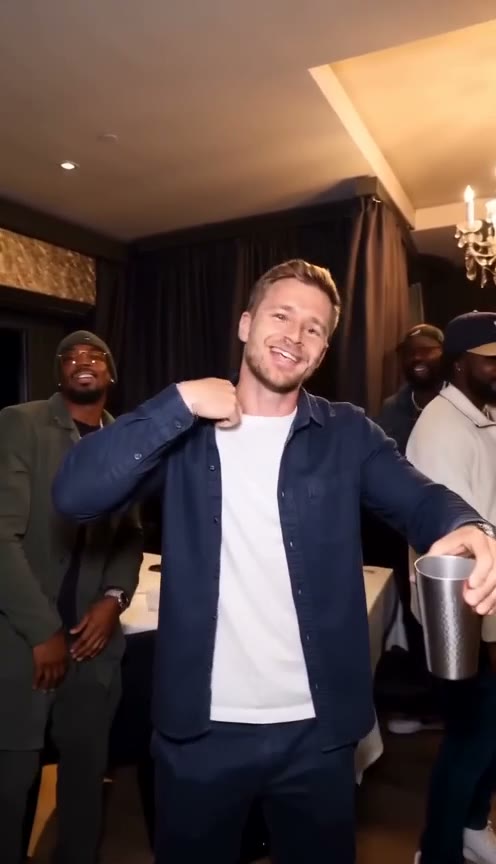
A close-up catches the main character moving to the beat with a quick hand flick toward the camera.
The Drake Party Trend
Step Into the Drake Party Scene
Create your own Burning Bridges AI video faster and easier. Just upload one photo to step into the iconic Drake-inspired party scene—no prompts, editing skills, or complicated setup required. Enjoy cinematic lighting, natural motion, and a premium party atmosphere in a 15-second vertical video, ready to share on TikTok, Reels, and Shorts.
The Drake Party Trend
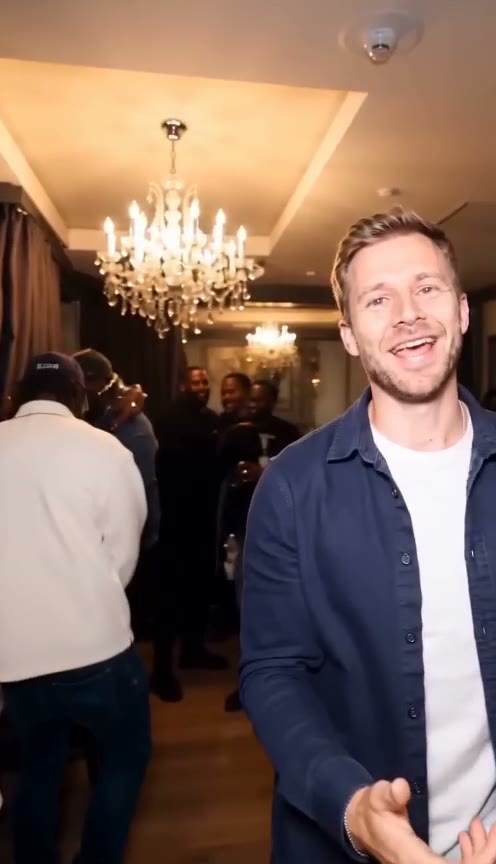
The Burning Bridges AI trend puts you in the lead of a party scene inspired by Drake’s music video. With just one photo, you can recreate the signature chandelier-lit atmosphere, cup-raising gestures, direct-to-camera moments, and the iconic “Where she at?” vibe — all in a cinematic 15-second video ready for TikTok, Reels and Shorts.
Signature Moments
A recognizable sequence that captures the mood, the gestures, and the iconic party atmosphere.
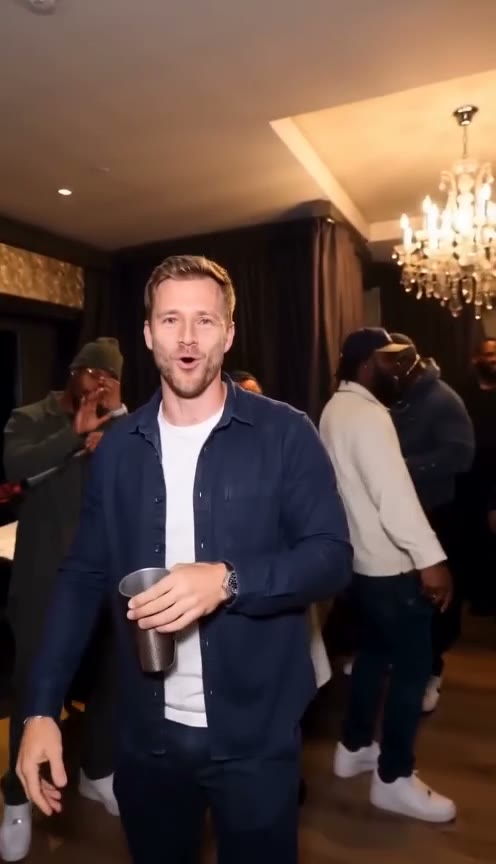
0 – 2 s
A close-up catches the main character moving to the beat with a quick hand flick toward the camera.
2 – 5 s
A stainless-steel cup lifts into the frame. The party mood builds as the camera follows the gesture.
5 – 10 s
Hands point straight at the lens, turning your clip into a personal party moment with the iconic attitude.
10 – 15 s
Friends lean into the shot with raised hands and a shared laugh, bringing the party sequence to a finish.
Video examples
Upload one photo and create a cinematic party-style vertical video.
Preview the signature moments. Ready for TikTok, Reels, and YouTube Shorts.
Three steps take your photo into the party. The AI Burning Bridges video template is already set up, so there is no timeline to edit or scene prompt to write.
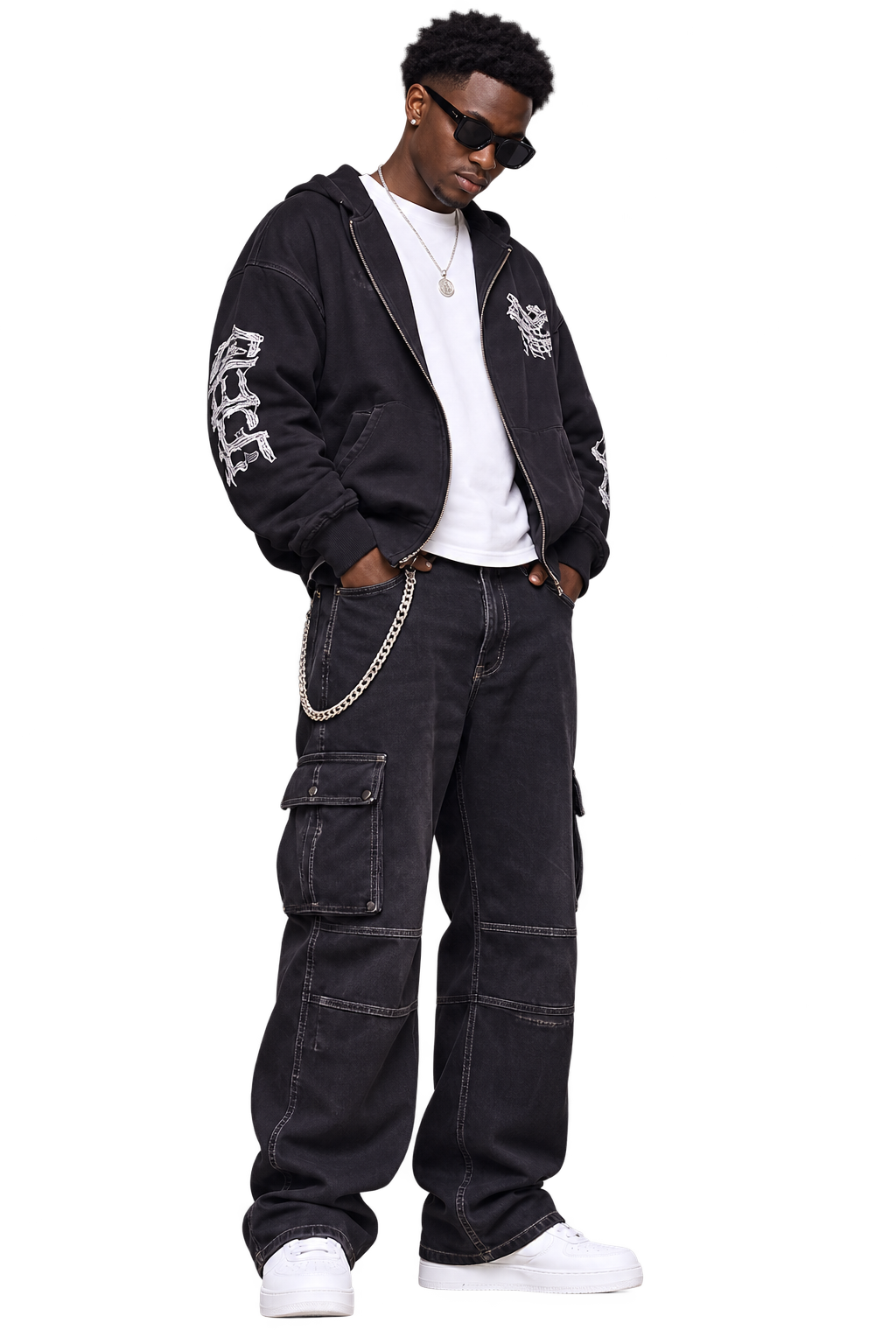
Choose one clear portrait with a sharp, well-lit face. A front-facing photo gives the AI Burning Bridges photo animation the best starting point.
Review the 720p video settings and credit cost, then start generation. Your 15-second party clip appears in My videos when it is ready.
Download your vertical MP4 and share it on TikTok, Instagram Reels or YouTube Shorts. Add music and the platform's AI label before posting.
Comparing your options
Step into the original Burning Bridges scene.Keep the signature actions, shot sequence, and party atmosphere, with you as the star.
For precise manual control, use a general editing tool.For the original scene’s actions, shots, and atmosphere with you as the star, use our generator.
Create your Burning Bridges videoOne photo. One 15-second AI Burning Bridges video. Choose a credit pack and create whenever inspiration strikes.
2,400 credits per video · 720p · 9:16 · silent
Try your first Burning Bridges AI video.
2,400 credits
1 15-second video
Create a few takes and find your favorite.
7,200 credits
3 15-second videos
More moments for you and your friends.
24,000 credits
10 15-second videos
Credit packs are one-time purchases. Results can vary; AI may change facial details or gestures.
Back to the generatorIt is a music-video-style party edit built around a close lead performance, warm chandeliers, a crowded dark-wood room, a reflective silver cup, and a short sequence of pointing, lifting, waving, or searching gestures. You can recreate that visual grammar with your own permitted subject rather than copying a performer.
Yes. Every prompt names Drake's “Burning Bridges” as the soundtrack and gives a timing cue for the gestures.
Upload one clear portrait, accept the photo consent terms and review the video settings. Start generation with enough credits, then download the finished MP4 from My videos.
Yes. A clear, front-facing photo of yourself works best. If you upload someone else, they must be an adult who has agreed to appear. Avoid masks, sunglasses and heavy filters.
You only need one photo. Choose a portrait containing one person, with their face sharp, unobstructed and well lit. The party scene is supplied by the built-in video template.
Yes. The finished video is a downloadable vertical 9:16 MP4, suitable for TikTok, Instagram Reels and YouTube Shorts. Follow the platform's rules for labelling AI-generated content.
The 720p, 15-second generation costs 2,400 credits. Check Pricing for available credit packs and the generator for your current balance before starting a video.
The downloaded video is silent. You can add a sound available to you in TikTok, Instagram or another editor, subject to that platform's music permissions. This independent tool is not affiliated with the artist or rights holders.
Your photo. The iconic scene.
Understand the effect, see real examples, and learn how to create your own party video from a single photo.
Learn more about Burning Bridges AI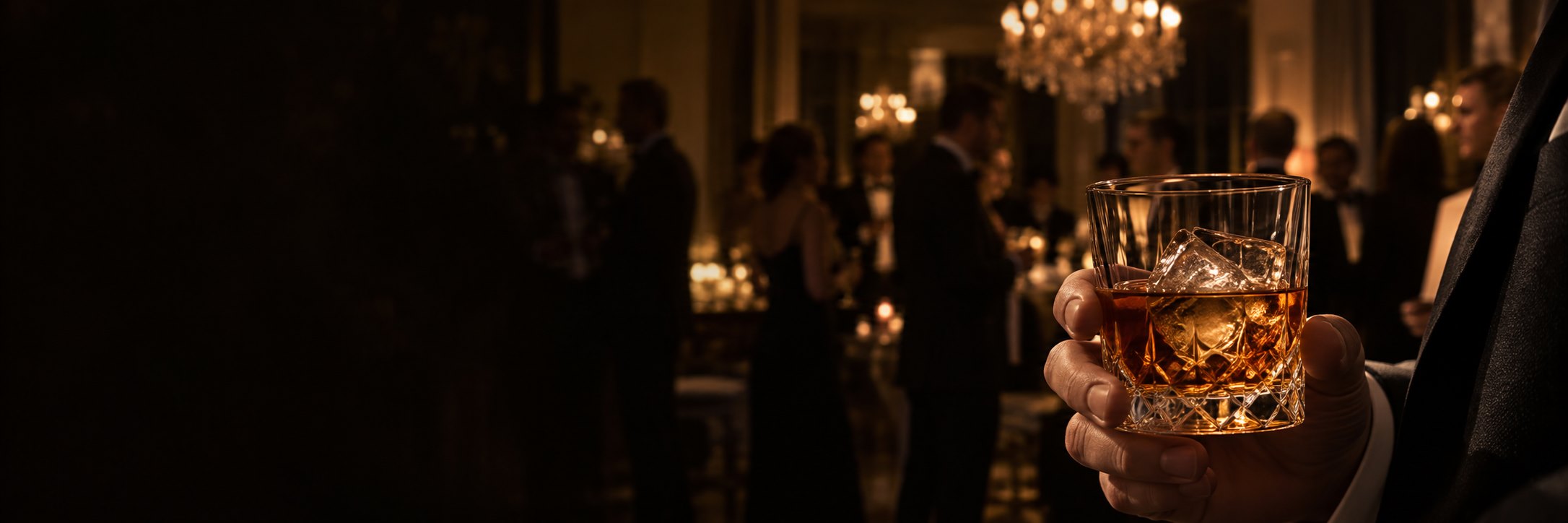
A closer look at the party effect, its visual style and how AI photo videos work.
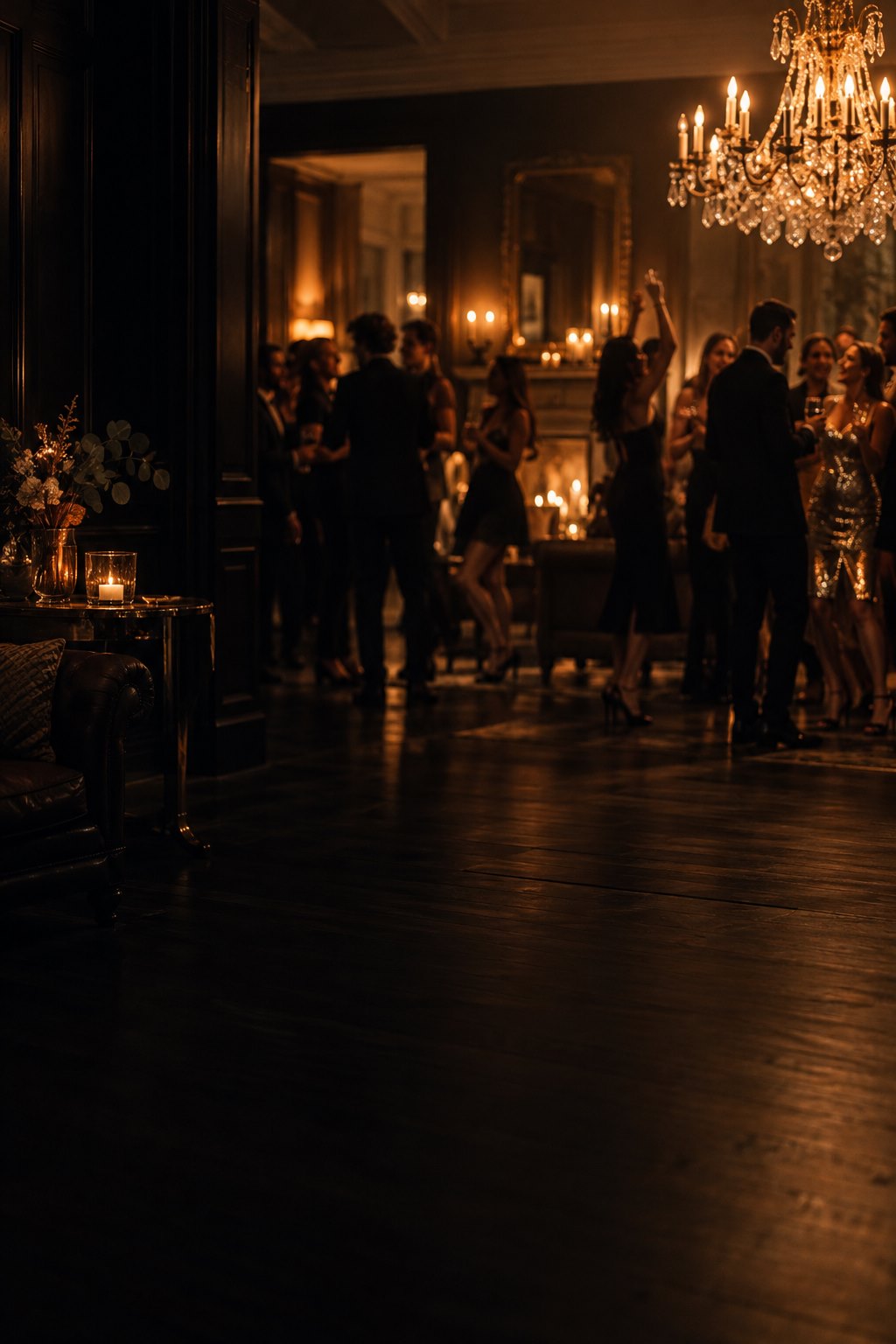
Explore the vertical party clip and the photo-to-video sequence before you create.
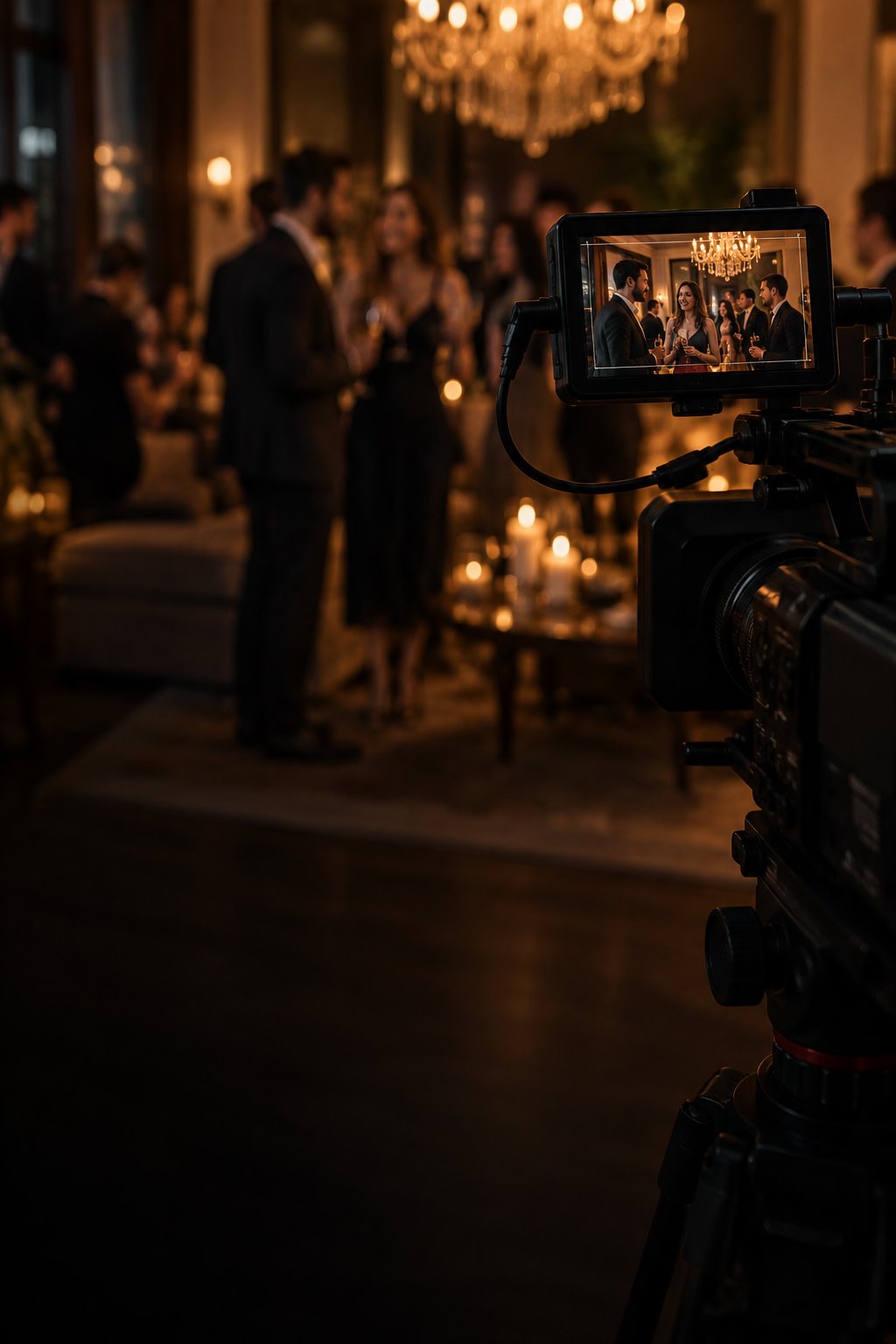
Photo tips, generation settings and the steps from upload to a finished MP4.
Stay up to date
Practical notes on the AI Burning Bridges effect and getting a better result.
View all guidesJoin the trend
One photo. A familiar party scene. Your own AI Burning Bridges moment.
Upload my photo